Download the tk399 App — Fast, Free & Built for Bangladesh
The official tk399 app puts every game and bet in your pocket. One tap to log in, play slots or live tables, top up with bKash, and cash out in around 4 minutes — right from your Android phone.
File: tk399.apk · Size: 52 MB · Android 7.0+ · Version 3.5.7
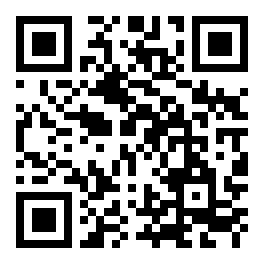
Scan to download on your phone
Is the tk399 APK safe to install?
Short answer: yes — when you download directly from this page. Here is exactly what the app asks for and why.
TLS Encryption on Every Request
All data between the tk399 app and our servers travels over TLS 1.3. That covers your login credentials, payment details, and game history. No plain-text traffic leaves your device at any point. The same standard protects both the app and the browser version of tk399.
What Permissions Does It Request?
The tk399 app requests internet access (required to load games and process bKash payments), storage read/write (to save the APK update file), and notification permission (optional — only for deposit confirmations and bonus alerts). It does not request contacts, camera, microphone, or location data.
Download Only from This Page
Third-party APK sites sometimes repackage apps with extra code. Always use the button on this page — tk399.fun/tk399-app/ — so the file hash matches our signed release. If you downloaded from elsewhere, delete that file and re-download here.
Keeping the App Up to Date
When a new version is available, the app shows an in-app banner with a one-tap update button. You can also return to this page and re-download the latest APK. Version 3.5.7 (last updated 9 November 2026) is the current stable release. Older versions may lose access to new games or payment flows.
Does your phone support it?
Check the table below before you download. All figures are taken directly from the official release notes.
| Detail | Value | Notes |
|---|---|---|
| App version | 3.5.7 | Current stable release |
| File name | tk399.apk | Direct download link on this page |
| File size | 52 MB | Fits on any phone with ≥ 150 MB free storage |
| Minimum Android | 7.0 (Nougat) | Works on Android 7, 8, 9, 10, 11, 12, 13, 14 |
| iOS | No native app | Use Safari → Add to Home Screen (PWA) |
| Last updated | 9 Nov 2026 | Includes new Crash game lobby and bKash fast-pay |
| Price | Free | No download fee, no subscription |
| Languages | English, Bangla | Switch in Settings → Language |
App vs browser — what's the difference?
Both give you full access to games and payments. The app does have a few extra conveniences worth knowing about.
| Feature | tk399 App (Android) | Browser (iOS / Android) |
|---|---|---|
| All casino games & sports | Yes — 3,500+ games | Yes — same lobby |
| bKash / Nagad deposit | In-app redirect, ≤ 5 min | Same speed |
| Withdrawal to bKash | ≈ 4 min processing | Same speed |
| Push notifications for bonuses | Yes (optional) | Not available |
| One-tap login (biometric) | Fingerprint / face unlock | Password each time |
| Works offline (game cache) | Some games pre-cached | Requires live connection |
| Live score widget overlay | On supported Android 10+ | Not available |
| Battery & data use | Slightly more efficient | Slightly higher data |
| Installation required | One-time 52 MB install | No install needed |
| Available on | Android 7.0+ | Any smartphone browser |
If you are on an iPhone, open tk399.fun in Safari, tap the Share icon, then choose Add to Home Screen. This pins the site as a shortcut that opens full-screen, without the browser bar.
How to install the tk399 app on Android
Android blocks apps from outside the Play Store by default. You need to allow "unknown sources" once — it only takes a few seconds.
Allow Unknown Sources
Go to your phone's Settings → Security (some phones call it Privacy or Biometrics and Security). Find Install unknown apps or Unknown sources and enable it for your browser. On Android 8 and above, your phone will prompt you at the right moment — you do not need to change this in advance.
Download the APK
Tap the Download APK — Free button on this page (or the one in the Download section below). Your browser saves tk399.apk (52 MB) to your Downloads folder. The file transfer usually takes under 30 seconds on a mobile data connection.
Open the APK File
Pull down the notification shade and tap the completed download, or open your Files app and navigate to Downloads. Tap tk399.apk. If a popup asks "Do you want to install this application?", check the app name reads tk399, then proceed.
Tap Install & Wait
Android unpacks the 52 MB file. Installation completes in 10–15 seconds on most phones. You will see the tk399 icon appear on your home screen and in your app drawer. You can safely delete the APK file from Downloads afterwards — it is no longer needed.
Log In or Register
Open the app, enter your tk399 username and password, then tap Log In. New player? Tap Register inside the app — the form takes about two minutes. After logging in, go to Deposit, choose bKash or Nagad, and top up at least ৳300 to activate your first-deposit bonus.
tk399 App v3.5.7 · Android
Everything in one app — games, bets, payments
- 3,500+ games from Pragmatic Play, JILI, PG Soft, CQ9 and Red Tiger — same full lobby as the desktop site, optimised for touch.
- Live sports betting with real-time odds on cricket (BPL, IPL, T20, ODI), football, kabaddi and more. Place bets mid-match from your commute.
- bKash, Nagad, Rocket and Upay all work inside the app. Deposits arrive in about 5 minutes; withdrawals clear in around 4 minutes.
- Bonus alerts delivered as push notifications so you never miss a reload offer or cashback credit on your account.
What can you play inside the tk399 app?
Six content areas ship in version 3.5.7. Every category runs at full speed on mid-range Android phones (3 GB RAM or above recommended).
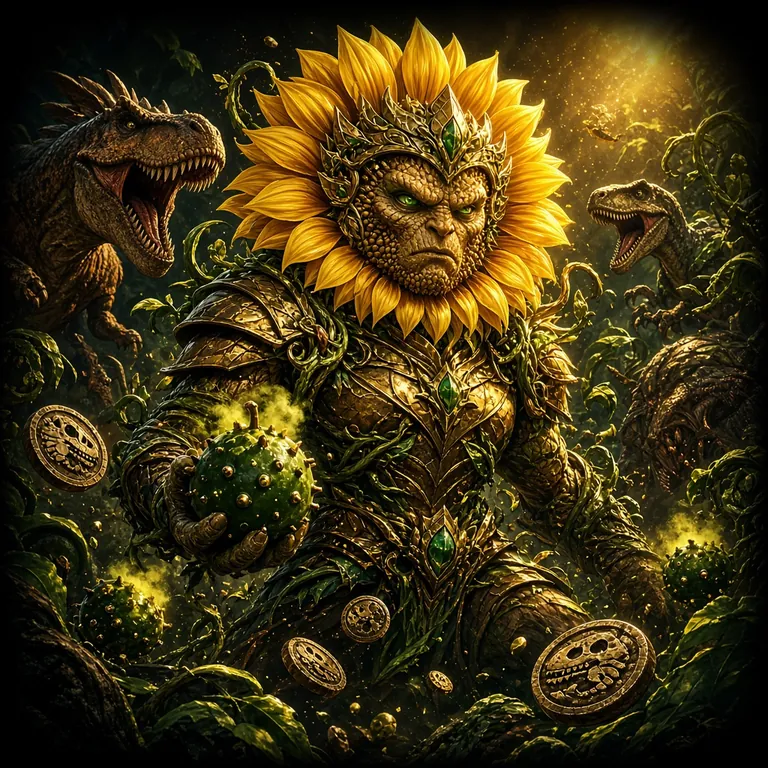
Slots — JILI, PG Soft, Red Tiger
Over 2,000 slot titles load directly in the app. Popular picks include Super Wheel (JILI, RTP 95.2%), Fortune Horse (JILI, starts at ৳1), and Plants vs Dino (Red Tiger, RTP 96.6%). Most slots support auto-spin and work well on a 4G connection.

Live Dealer Tables
Stream HD live tables — Blackjack, Baccarat, Roulette and Teen Patti — directly in the app. Single Deck Blackjack (CQ9) starts at ৳10. The app handles the video stream efficiently to keep data usage reasonable on mobile. Tables are open around the clock.
Cricket, Football & More
Bet on BPL, IPL, ICC T20 World Cup and ODI series in real time. Football leagues — English Premier League, La Liga, Bundesliga — plus kabaddi and tennis are all covered. The app refreshes odds every few seconds. Cash Out is available on selected matches before they finish.
Crash & Fast Games
Crash games — Aviator-style multipliers — are ideal for short sessions on a commute. Bet as low as ৳2, watch the multiplier climb, and cash out before the crash. Each round lasts 30–60 seconds. The app's low-latency connection means your cash-out tap registers in under 100 ms.
Teen Patti & Poker
Teen Patti (CQ9, RTP 96.2%) and Teen Patti Joker (JILI, RTP 97.0%) are among the highest-RTP games on tk399. Texas Hold'em by Pragmatic Play starts at ৳5 and goes up to ৳50,000 per hand. Card game tables support portrait and landscape orientations in the app.
Jackpot Fishing & Bingo
Fishing games like Jackpot Fishing (JILI) and Shade Dragon Fishing (PG Soft, RTP 96.7%) are touch-optimised — you tap to shoot, not click. West Hunter Bingo (CQ9) gives a lottery-style experience with RTP 95.4%. Both genres run smoothly on Android 7 devices with 2 GB RAM.
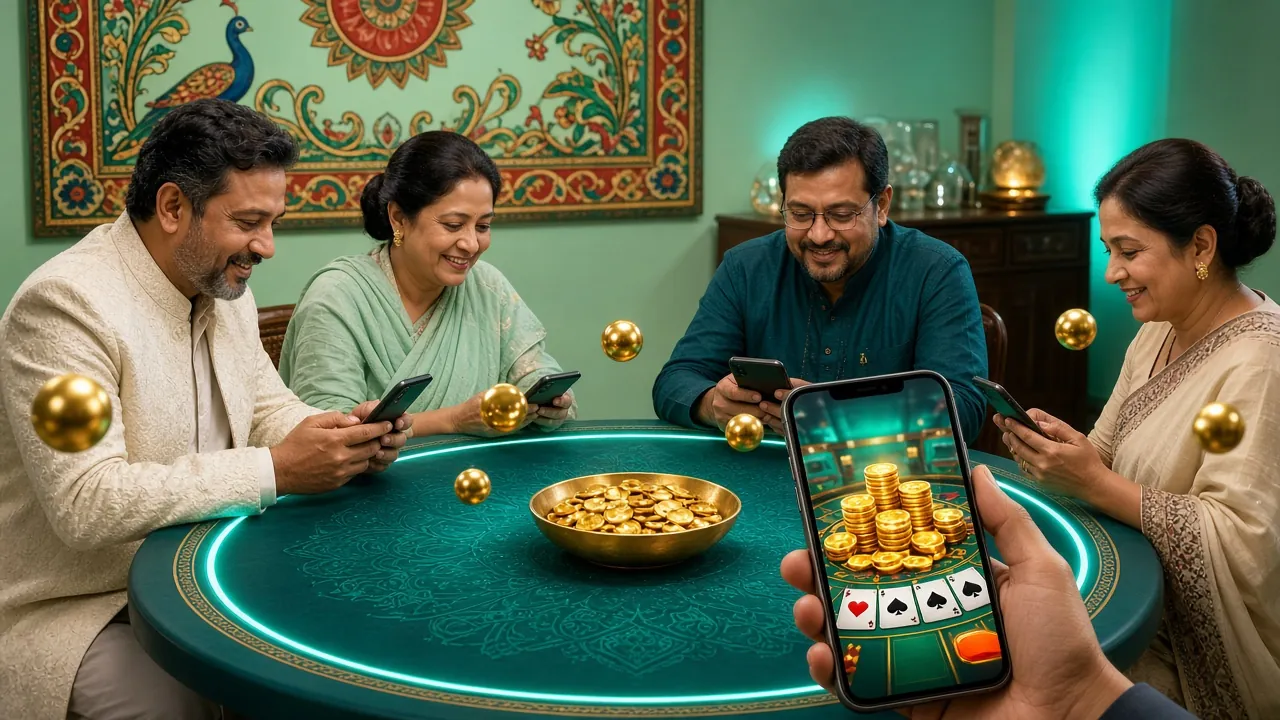
Play wherever you are in Bangladesh
The tk399 app is designed around the way people actually use their phones here — often on mobile data, switching between apps, with notifications turned on for cricket scores. The interface is touch-first: big tap targets, bottom navigation bar, and fast-loading game thumbnails even on a 4G connection in Chittagong or Sylhet.
Payments are built around local wallets. Deposit via bKash or Nagad in around 5 minutes, and withdraw back to your mobile wallet in around 4 minutes. Minimum deposit is ৳300.
Download the tk399 App — file details
The APK is signed and hosted on our own server. No Play Store account needed.
After downloading, open tk399.apk from your Downloads folder and follow the on-screen install prompt. If you have already installed a previous version, the new APK will update it automatically — no uninstall needed.
Install not working? Here are the most common fixes
Most problems come down to one of five causes. Work through the table below before contacting live chat.
| Problem | Likely cause | Fix |
|---|---|---|
| "Install blocked" message | Unknown sources permission not enabled for the app you used to download the APK | Open Settings → Apps → [your browser] → Install unknown apps and toggle it on. Then tap the APK file again. |
| Download stops at 0% or never starts | Weak mobile data signal or VPN blocking the download server | Switch to a different network (mobile data → Wi-Fi or vice versa). Disable VPN if running one, then retry the download button. |
| "App not installed" after tapping Install | Corrupted or incomplete APK download (file is under 52 MB) | Delete the partial APK from your Downloads folder. Re-download the full 52 MB file from this page, then try installing again. |
| App crashes immediately on launch | Android version below 7.0, or less than 150 MB free storage | Check your Android version in Settings → About phone. Free up storage if needed. Update Android if your phone supports it. |
| Games load slowly or freeze | Insufficient RAM (below 2 GB) or background apps consuming memory | Close background apps before launching tk399. Connect to Wi-Fi rather than 3G. If games still lag, try the browser version at tk399.fun instead. |
Still stuck? Use the 24/7 Live Chat button inside the app or on the website. The support team can verify your download link and walk you through installation step by step.
Questions players ask before downloading
Seven common questions about the tk399 app — answered plainly.
1 Is the tk399 APK virus-free and safe to install on my phone?
Yes — provided you download directly from tk399.fun/tk399-app/. The APK is signed with our official certificate before each release. We recommend scanning any APK with your phone's built-in security scanner before opening it — most Android phones do this automatically when you tap the file. Never install a tk399 APK file sent to you on WhatsApp or Telegram by an unknown contact; those are third-party redistributions we cannot verify.
2 Why isn't the tk399 app on the Google Play Store?
Google Play does not allow real-money gambling apps in Bangladesh under its current regional policy. This applies to all gaming and casino apps in the country — not just tk399. As a result, the official APK is distributed directly from our website. This is standard practice for the industry here. The APK is identical to what a Play Store build would contain; the only difference is the distribution channel. Version 3.5.7 is current as of November 2026.
3 How do I update the tk399 app when a new version is released?
When an update is available, the app shows a notification banner at the top of the home screen with an Update Now button. Tapping it brings you directly to this download page. Download the new APK, open it, and Android will upgrade the existing installation — your login details, preferences and transaction history are preserved. You do not need to uninstall first. If you dismiss the in-app banner, you can always come back to tk399.fun/tk399-app/ to get the latest version.
4 Can I use the same account on both the app and the browser?
Yes. Your tk399 account is tied to your username and password, not to any specific device or app. Log in on the app in the morning and continue on a laptop browser in the evening — your wallet balance, bonus progress and game history sync instantly. You cannot be logged into the same account on two devices at exactly the same time, but switching between devices is seamless as long as you log out first on the previous device.
5 Does the app work on a low-budget Android phone?
The minimum requirement is Android 7.0 and around 150 MB of free storage to install. Slots and card games run well on phones with 2 GB RAM. Live casino video streams and live sports betting need a stable 4G connection — if your signal is weak, game load times increase. Crash games are the lightest on data because each round is short. If your phone has only 1 GB RAM, the browser version at tk399.fun may actually perform better than the native app.
6 Is there an iOS version of the tk399 app?
There is no native iOS App Store app at this time. iPhone and iPad users can access the full tk399 experience through Safari. Open tk399.fun, tap the Share icon, and choose Add to Home Screen. This creates a full-screen shortcut that behaves much like a native app — no App Store download required, no browser toolbar visible when you play. All games, payments and account functions work the same way on the browser version.
7 Do I need to complete KYC before I can withdraw via the app?
Yes. You need to verify your identity before your first withdrawal — this applies whether you are using the app or the browser. The KYC process accepts a National ID Card (NID), Passport, or Driving Licence. Upload a clear photo of your document through Account → Verify Identity inside the app. Review takes up to 2 hours. Once approved, you can withdraw to bKash or Nagad — the minimum is ৳500, the daily maximum is ৳30,000. See the Withdrawal & KYC Guide for step-by-step instructions.
- 18+ Only
- SSL Encrypted
- 24/7 Live Support
- bKash & Nagad
- Free to Download
- Play Responsibly